AI Avatar Generator from Your Photo

Turn your portrait into an avatar for your profile, community, or creative persona.

0/500
Style

    Still you. A whole new look.

    Give your profile a creative direction of its own. Start with your portrait, choose an available style, and describe the mood or setting you have in mind.

    A personal page, a creative portfolio, and a gaming community can each call for a different introduction. Explore a portrait that belongs in that space, with your face as the reference and a new choice of clothing, color, or atmosphere.

    Make your avatar
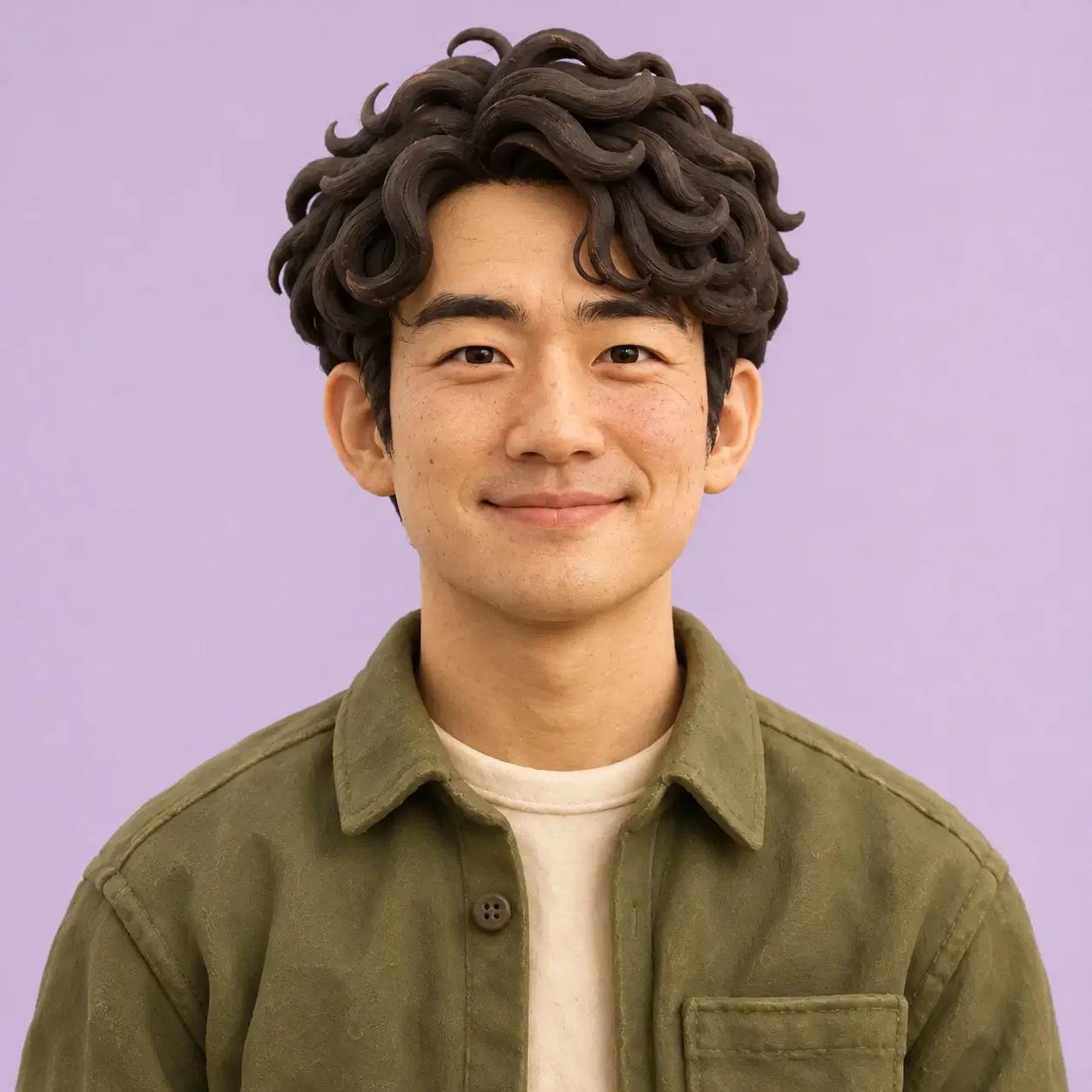
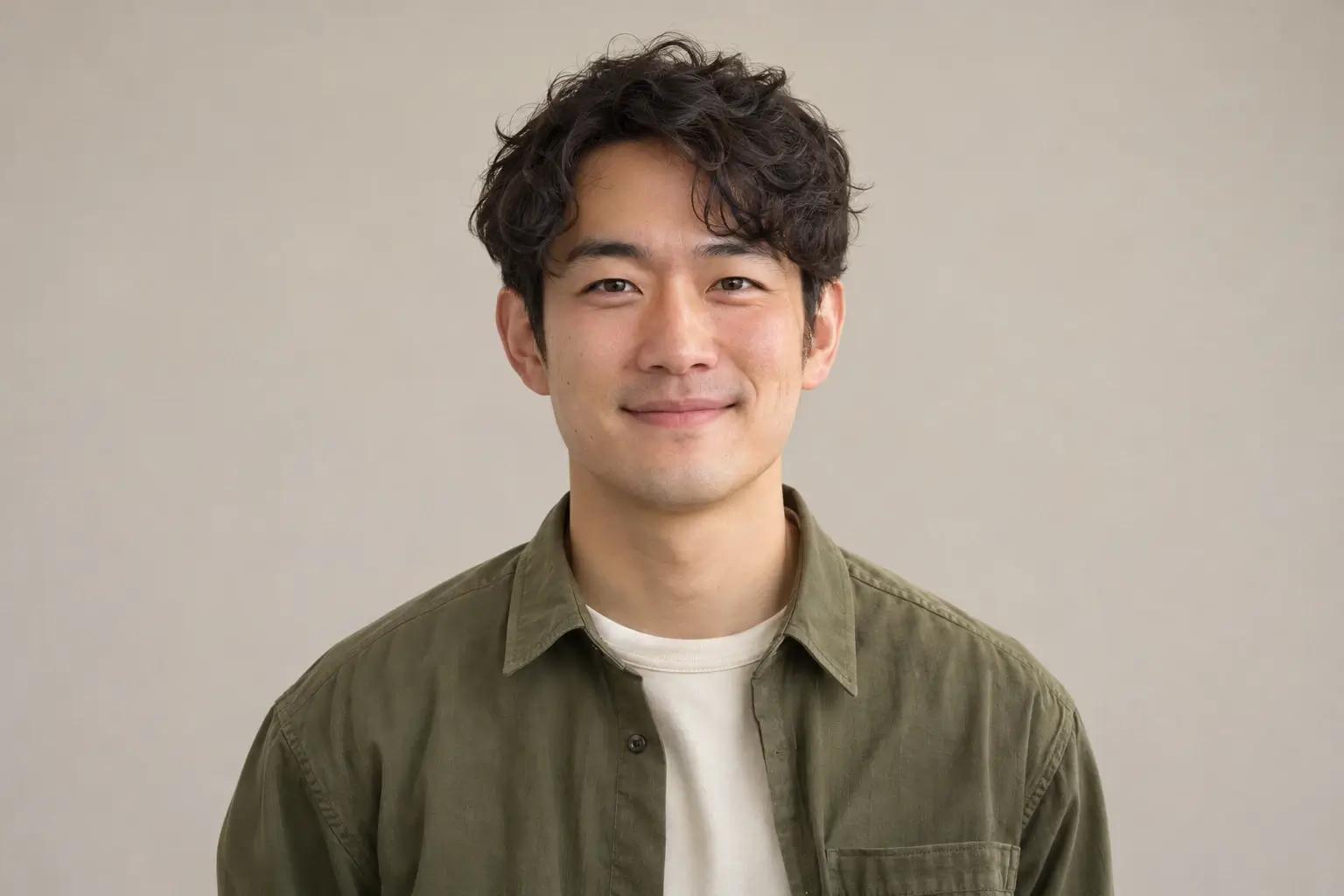
    Source portrait of a man in an olive overshirt against a neutral background
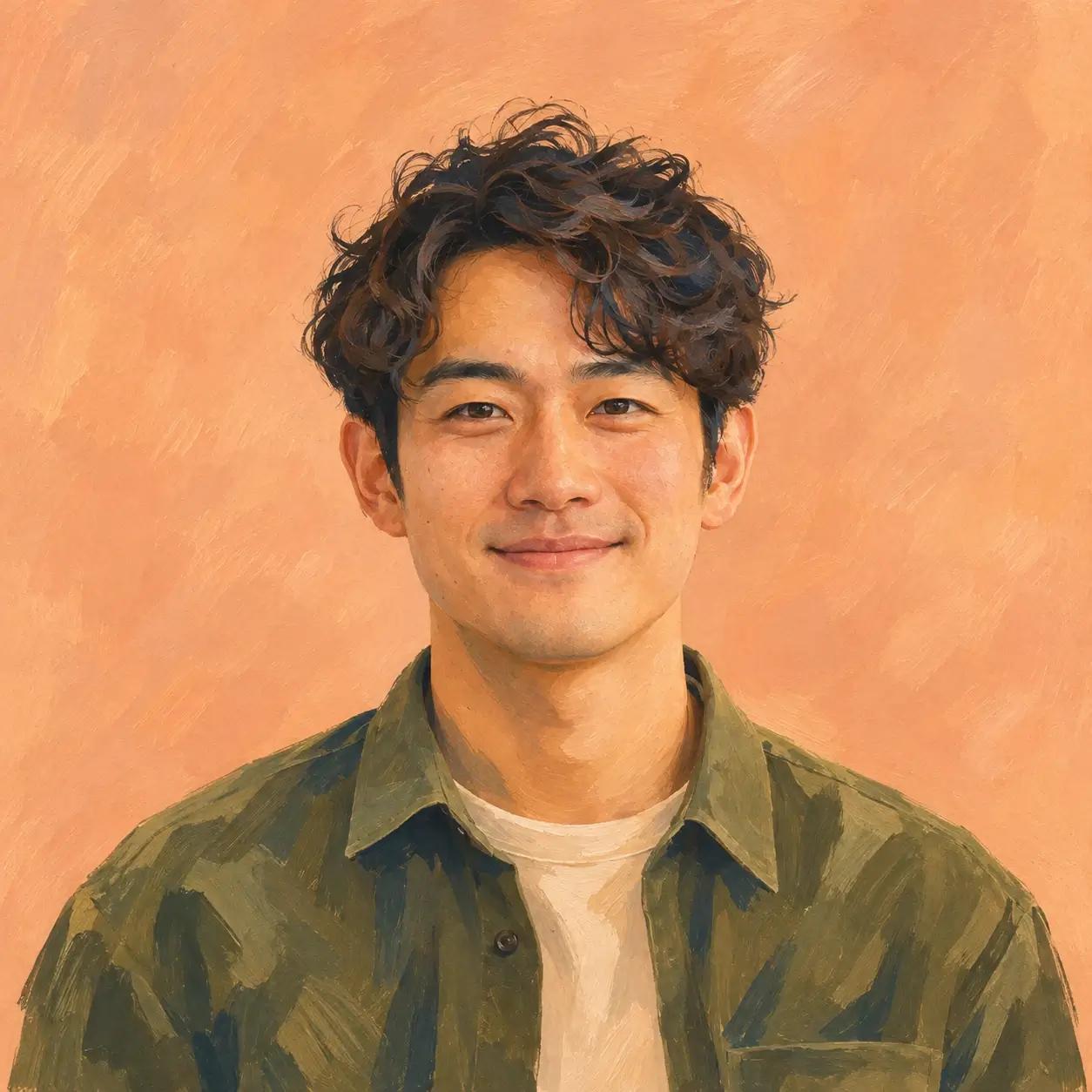
    A hand-painted avatar concept of the man in an olive overshirt on a peach background
    A handcrafted clay avatar concept of the same man against a pale lavender background
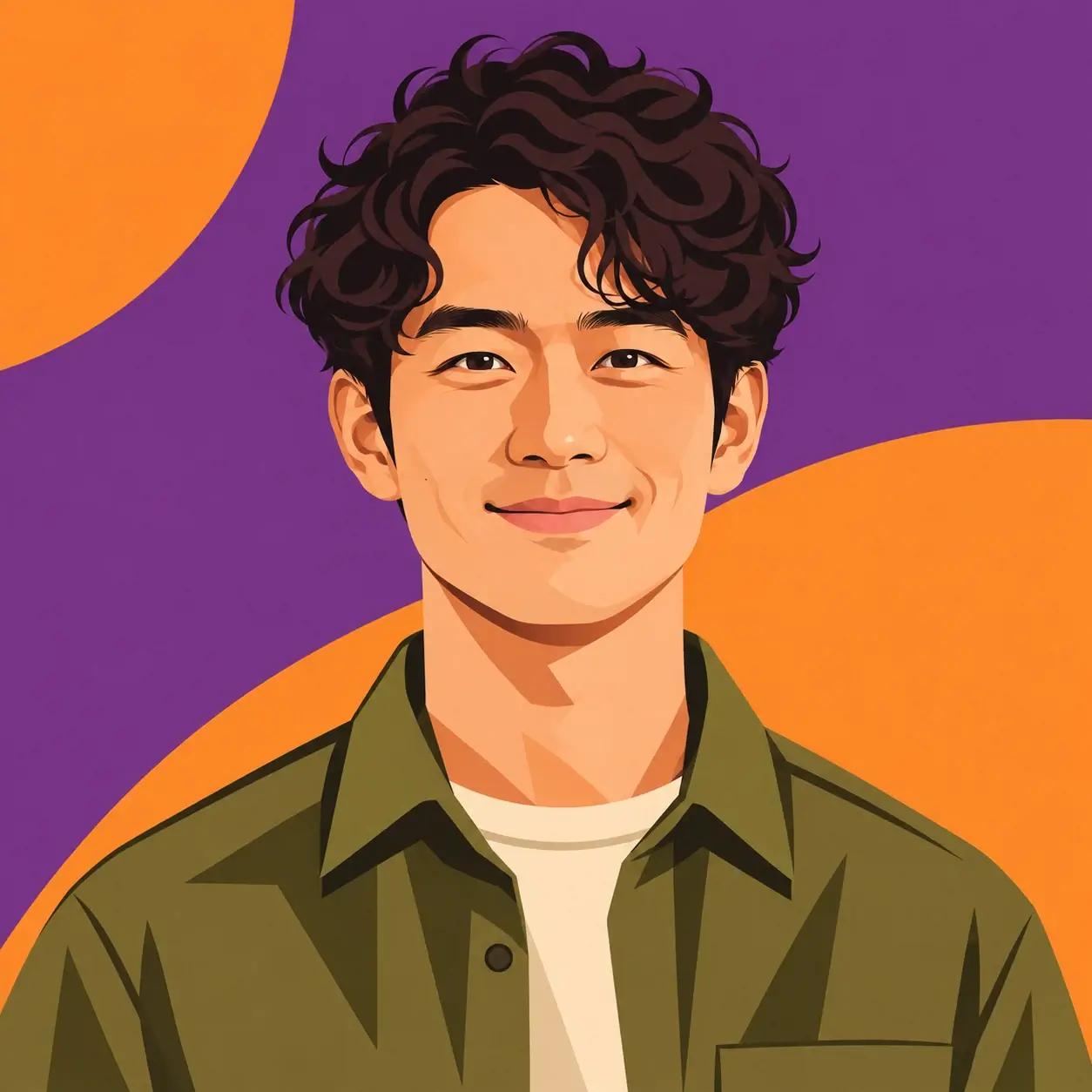
    A graphic avatar of the same man with dark wavy hair against purple and orange shapes
    An explorer avatar of the same man in an ivory and blue flight suit against a dark orbital station

    A soft, painted portrait suggests an informal introduction; strong graphic shapes create a bolder presence. An imagined persona can carry a story about the interests behind a profile. Think about the impression you want, then describe the clothing, palette, and setting that belong with it.

    Keep the face. Set the scene.

    Your photo gives the avatar its starting identity. Your description adds the creative choices: understated or expressive, everyday or imagined.

    Think of the style and description as one direction. A calm palette and simple clothing can support a quiet portrait; a distinctive outfit and an imagined location can give a character more of a story. Choose the combination around the impression you want to make.

    The person
    One clearly visible face, natural lighting, and room around the head. A photo you recognize yourself in makes a useful reference for a personal avatar.
    The look
    Clothing, color, and the impression you want the portrait to make. Name a few details that work together, such as a dark jacket and a restrained palette.
    The setting
    A quiet studio, a playful backdrop, or the world of a new persona. Describe the surroundings when they are part of the identity you want to explore.

    A direction to start with

    “Soft daylight, a quiet studio, warm neutral colors, and understated clothing.”

    Choose a style from the options in the tool. Keep your description focused on the elements you want to change.

    To take this idea somewhere else, try a cooler palette, a more expressive outfit, or an evening setting. Keeping the reference photo gives you a familiar starting point while you explore a different presentation of the person.
    A profile picture with a place to go.

    Make a different first impression wherever you show up.

    Social profiles

    An expressive face and a simple background work together at a small size. Leave room for the circular crop on your favorite platform.

    Think about the face as it will appear beside a short message or a comment. A clear silhouette and a limited palette can give a small profile image a distinct presence.

    Creator pages

    Bring the colors and mood of your work into your portrait. Give a portfolio, a bio, or a project page a more personal introduction.

    A portrait can sit beside your writing, illustrations, or design work. Describe the atmosphere you want it to share with the rest of the page, from a bright studio to a quieter editorial look.

    Community identities

    Explore a character for a club, chat, or gaming group. Let the outfit and setting carry a little of the story behind the profile.

    Give the character a role: an explorer, a maker, or someone from an imagined world. Use that role to guide the setting and clothing in your description.

    How to make your AI avatar

    Start with your portrait and give it a new creative direction.

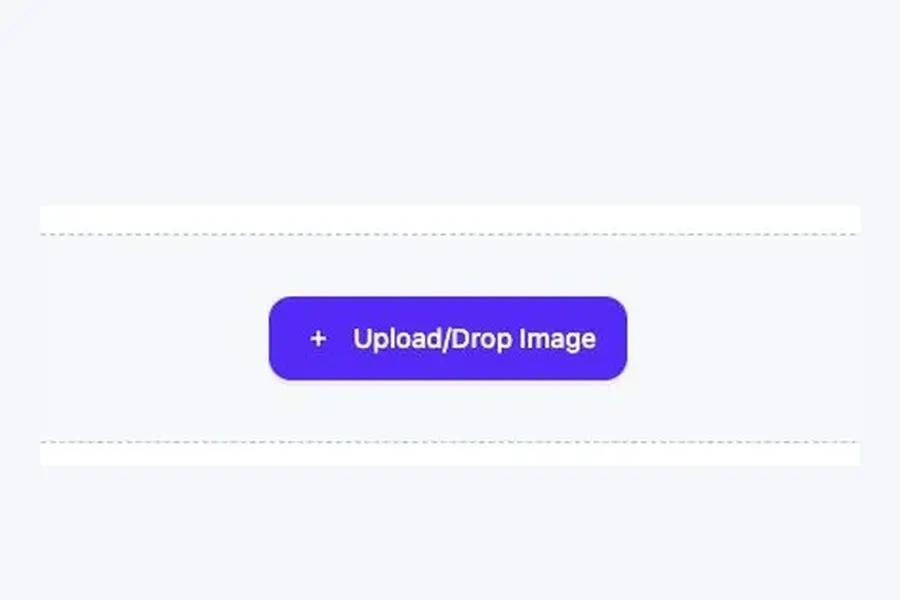
    1. Portrait upload control in the avatar tool

      Upload your portrait

      Choose a clear photo with one visible face.

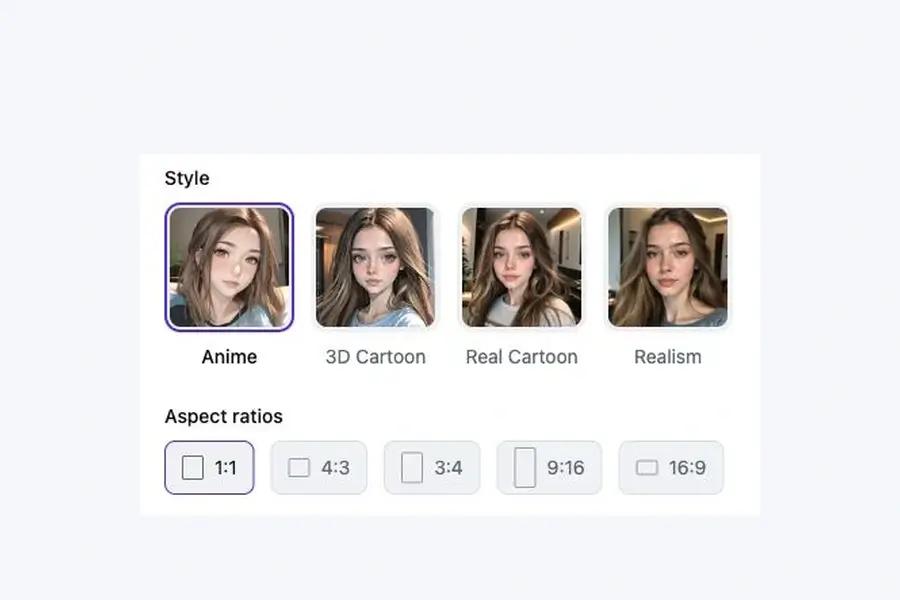
    2. Avatar styles with Anime selected and image shape controls

      Choose your look

      Describe the look you want, then choose a style and image shape.

    3. Generate button in the avatar tool

      Create your avatar

      Select Generate. Download the finished avatar from its task page.

    Before you create your avatar

    Do I need to upload a photo?

    Yes. Use a portrait with one clearly visible face. To invent an image entirely from words, start with text to image.

    Will it look exactly like me?

    Your photo guides the result, while the selected style can change facial details. The avatar is a creative interpretation of the person in the reference.

    Where do I download the avatar?

    Follow the generation on the task page, then open the finished image to download it. Crop the image to fit your profile when you are ready to use it.

    Meet your next profile picture.

    Start with a photo you like. For a direct illustrated treatment, try photo to cartoon.

    Create your avatar