AI Image Enhancer

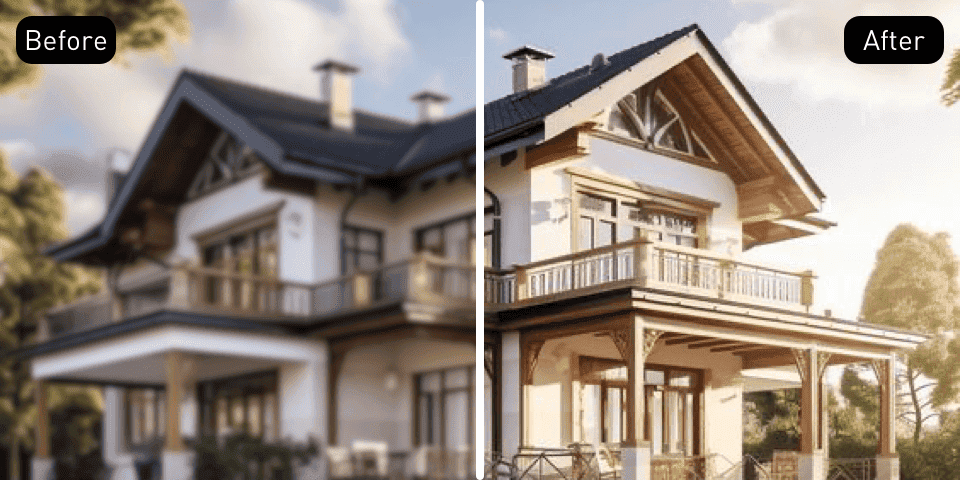
Give a soft photo a clearer look for your next project.

Give a soft photo another chance.

The image you need may already be in your collection. Enhance its clarity for a product listing, a presentation, or a post worth sharing.

Upload a photo, review the enhanced version here, and download it for your next project.

Enhance your image
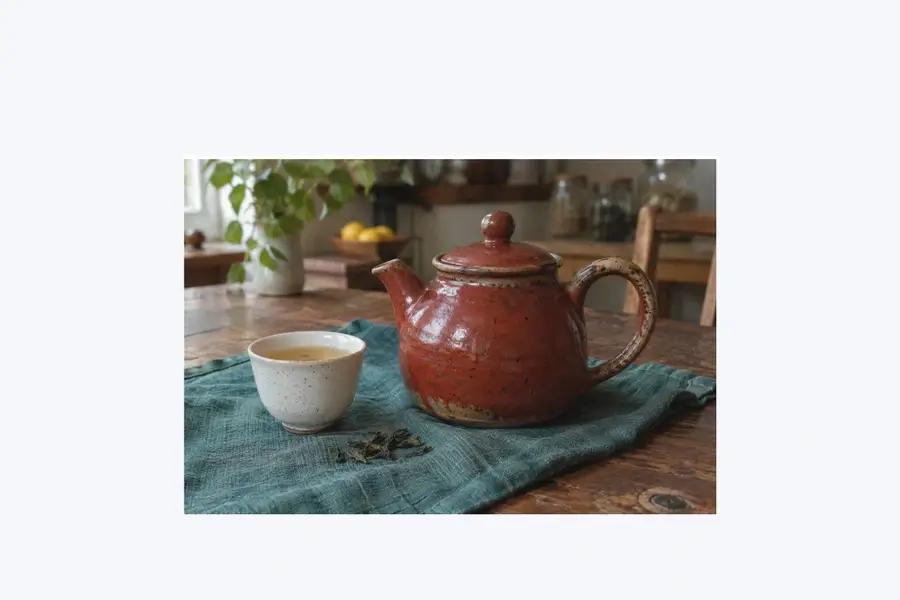
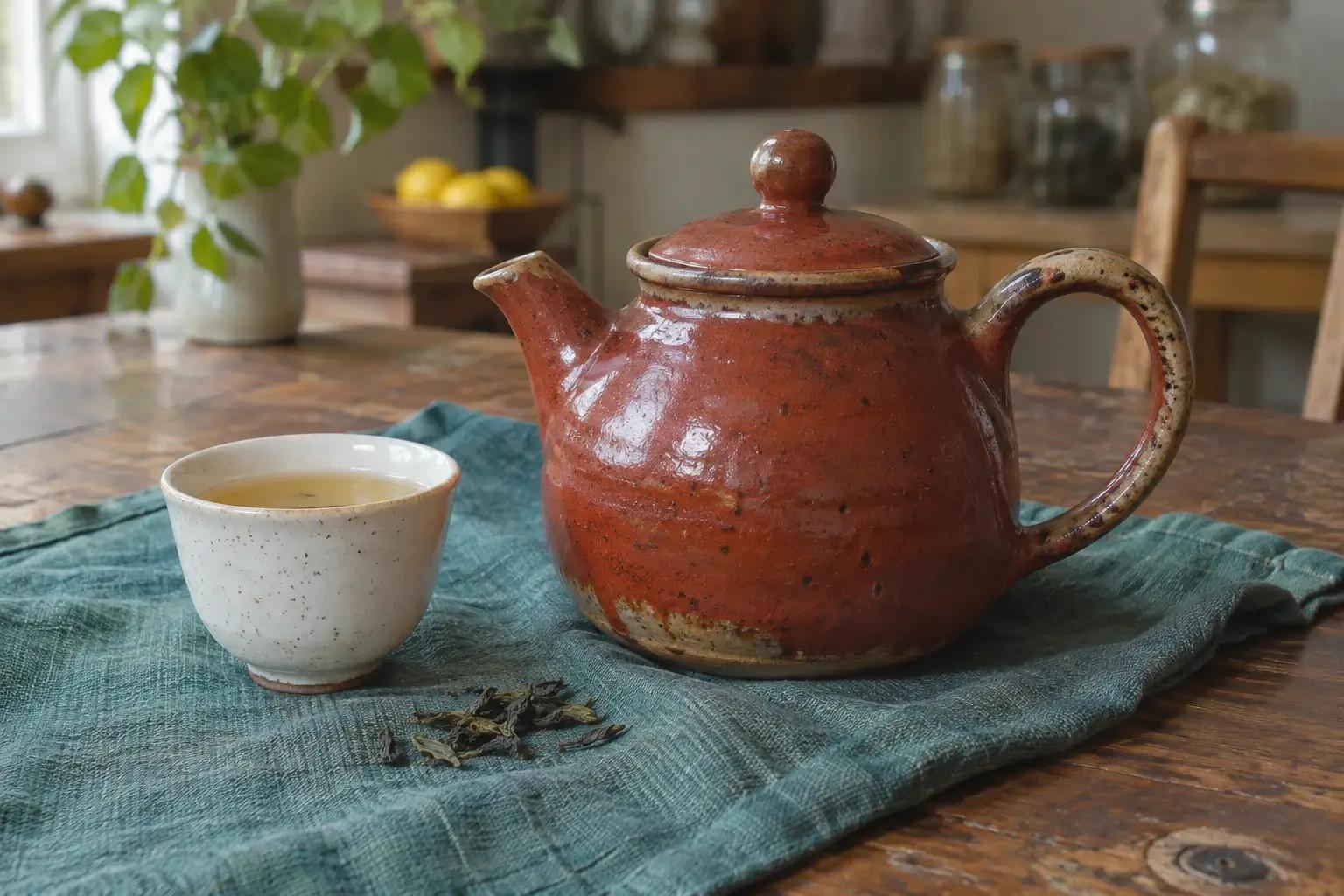
Original still life of a ceramic teapot and cup on textured teal linen

A clearer starting point for your next project.

From product details to personal portraits, work with the photo you already have.

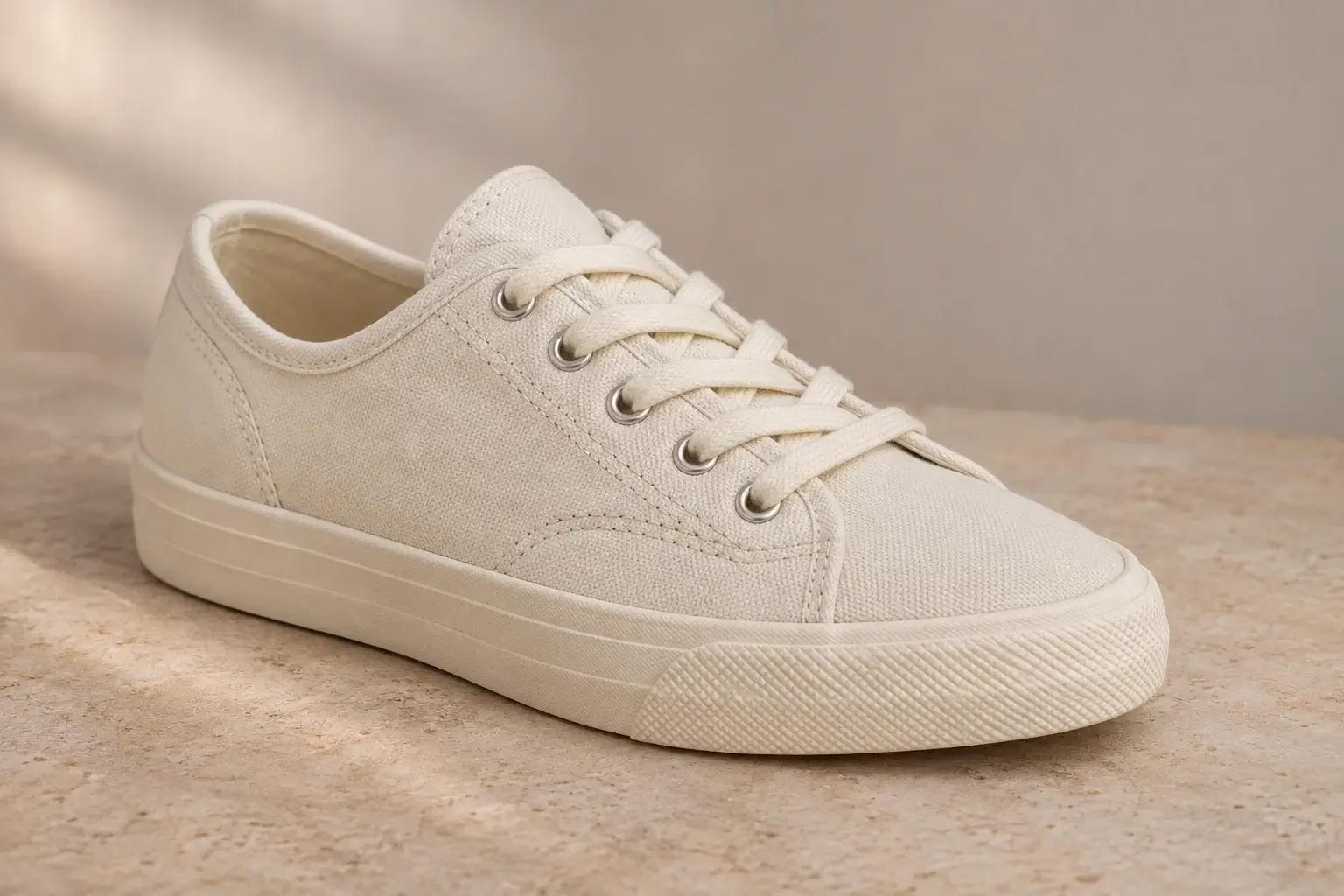
An unbranded off-white canvas sneaker with woven fabric and cotton laces on pale stone

Products with texture

Woven canvas, neat stitching, a curved edge. Revisit the details that help describe an item in a listing or a catalog.

Use a closer product view when the surface is part of the appeal. Fabric, glaze, and leather each give the photo something specific to show. An enhanced version can give you another option when choosing the images for a shop page or a product story.
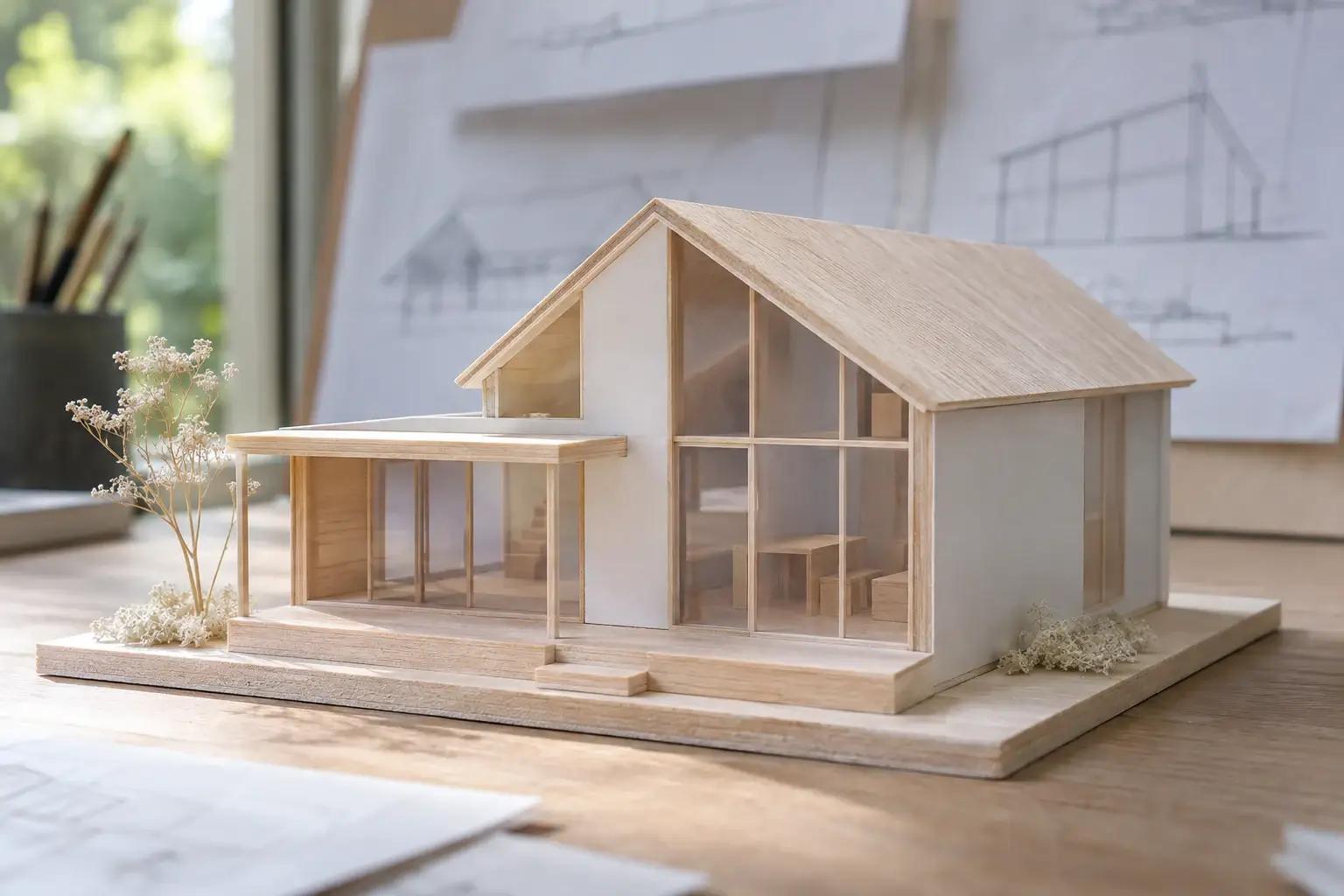
A small house model made from balsa wood and white card on a design studio desk

Work worth presenting

Give a project photo another look before it goes into a portfolio or onto a larger slide. Keep the photograph at the heart of the presentation.

A model, a handmade object, or a finished piece of work often has details that are easy to miss in a small preview. Revisit that photograph before you build a case study, a project introduction, or a presentation around it.

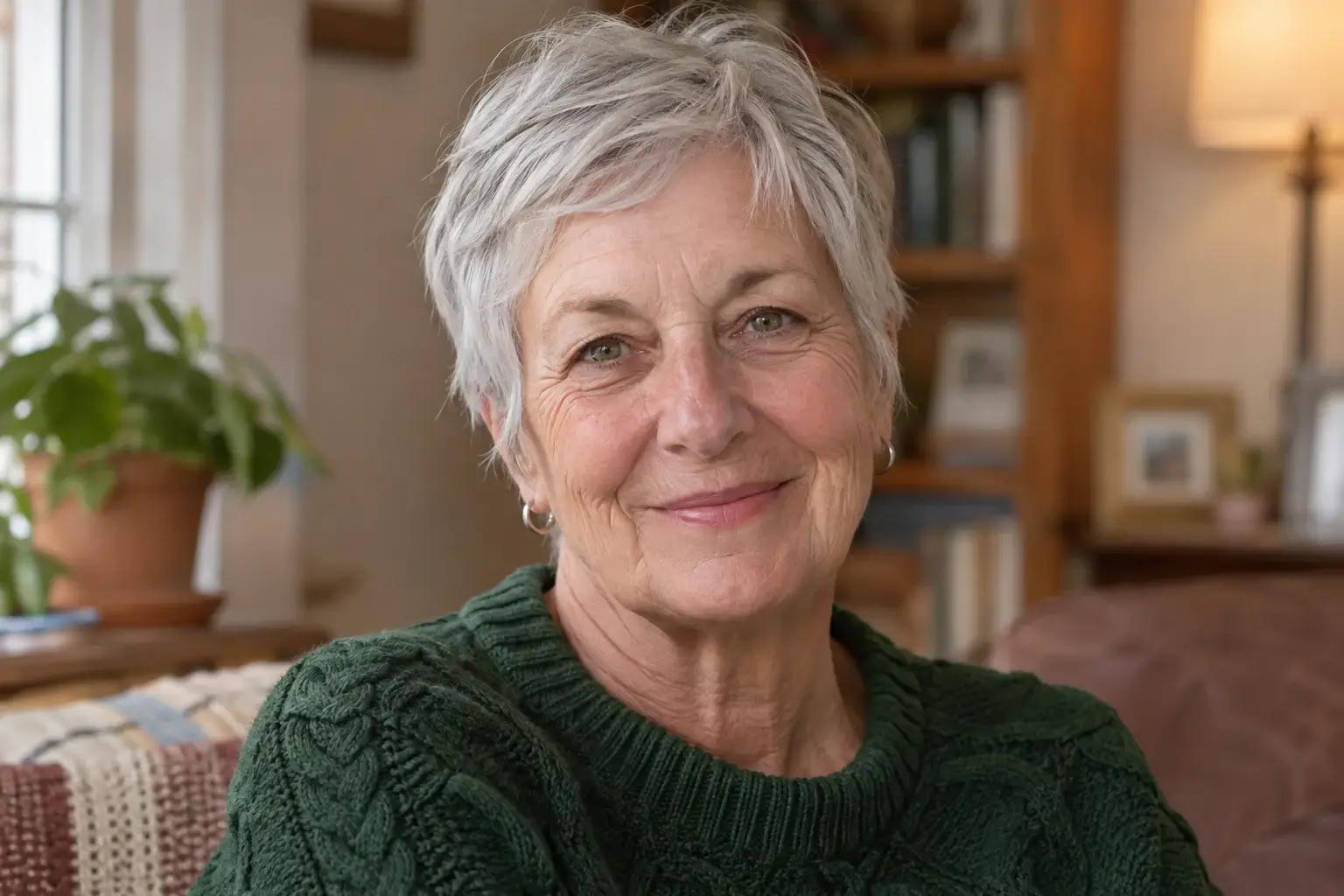
A woman with a silver pixie haircut and a green knitted sweater in a softly lit home

People worth remembering

Bring a portrait back into a personal collection, a family layout, or a new post. Start with the best original file you have.

A portrait may belong beside a short biography, in a family album, or on a page about someone important to you. Try enhancement as part of preparing the picture for that new use, while keeping the original in your collection.

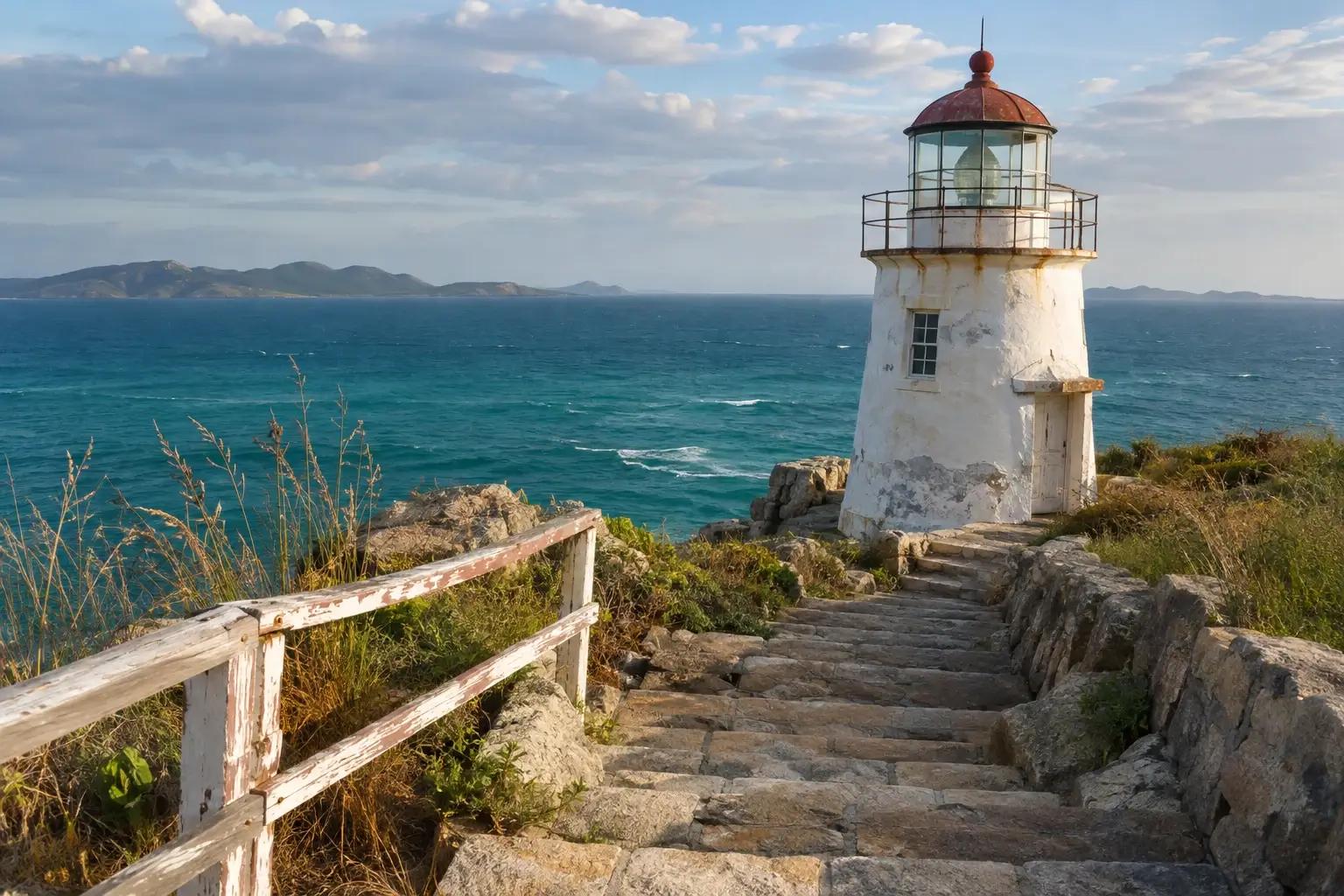
A weathered white lighthouse above stone steps and a wooden railing beside the sea

Some places deserve another look.

Weathered stone, coastal grass, the light on a familiar building. Revisit a favorite travel photo for a journal, a framed layout, or the story of your trip. A landscape gives you both a subject and a sense of place. Think about the details you want people to notice when the photo is shown at its final size: the building, the path through the scene, or the textures that make the location familiar.

How to enhance your image

Upload, review, and download without leaving this page.

  1. Upload button in the image enhancer

    Upload the original

    Select Upload/Drop Image and choose a supported photo.

  2. Image preview in the existing result component, shown with a sample photo

    Review the image

    When processing finishes, check the image in the preview.

  3. Save control below the image preview

    Save your image

    Select Save below the preview to download the result.

About AI image enhancement

Can enhancement recover every missing detail?

No. Heavy blur limits the result, and AI may change fine details. Check text, facial features, and product markings when accuracy matters.

Can I enhance an older photograph?

You can upload a supported image file from a scan or an archive. This tool enhances the image; it does not offer separate colorization or physical-damage repair controls.

Which image files can I upload?

You can upload JPG, JPEG, PNG, or WebP images. Choose a saved original or a clear scan when you have one available.

Where will the enhanced image appear?

The result appears on this page with a download option. You can save it and upload another image without opening the task page.

Make more of the photo you have.

For a product or portrait on its own, you can also remove the background.

Upload a photo to enhance